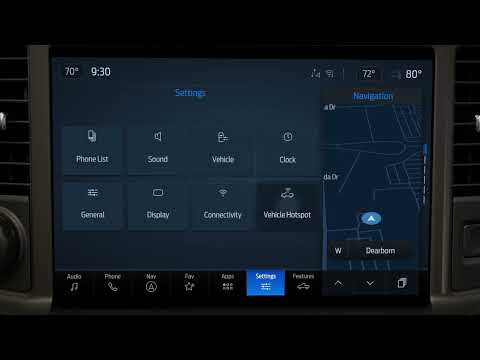
Subaru Forester/Hybrid | How-To Customize the Home Screen
Source: Subaru on YouTube · Official video, shared from the automaker’s own channel.
From the Channel
Did you know the touchscreen in your Subaru Forester gives you quick access to radio, map and phone apps? This video walks through the status bar, the information bar that shows your audio source and vehicle features like X-MODE, and the Home Buttons for Car Settings, Auto Vehicle Hold, Manage Devices and Driver Profile. You'll also see how to add shortcuts to your favorite features on the home screen and how to remove them by dragging to the bottom of the page. Applies to model years: 2026, 2027 Find more owner resources here: Stay up to date on Subaru by following us on social:
More from Subaru

 Subaru | “A New Perspective” :30Subaru · 0 views · 13h ago
 Subaru Forester/Hybrid | How-To Use Auto Vehicle HoldSubaru · 0 views · 14h ago
 Subaru Forester/Hybrid | How-To Set Up Android AutoSubaru · 1 views · 14h ago
 Subaru Forester/Hybrid | How-To Change the ClockSubaru · 0 views · 14h ago
 Subaru Forester/Hybrid | How-To Use the Climate ControlsSubaru · 0 views · 14h ago
 Subaru Forester/Hybrid | How-To Change the Display BrightnessSubaru · 0 views · 14h ago