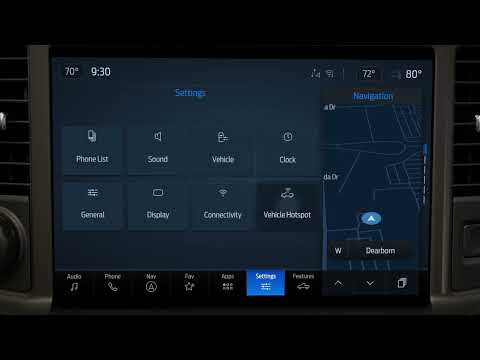
Subaru Forester/Hybrid | How-To Set Up Android Auto
Source: Subaru on YouTube · Official video, shared from the automaker’s own channel.
From the Channel
Ready to use Android Auto in your Subaru Forester? Here's how to pair your Android phone and set it all up. Choose Manage Devices on the touchscreen and select Add, then open Connected Devices on your phone, pair a new device and select Forester. Confirm the PIN matches on both screens, choose whether to sync your contacts, and select Yes to enable Android Auto. From there you can access Android Auto right from the Home Screen. Applies to model years: 2026, 2027 Find more owner resources here: Stay up to date on Subaru by following us on social:
More from Subaru

 Subaru | “A New Perspective” :30Subaru · 0 views · 13h ago
 Subaru Forester/Hybrid | How-To Use Auto Vehicle HoldSubaru · 0 views · 14h ago
 Subaru Forester/Hybrid | How-To Change the ClockSubaru · 0 views · 14h ago
 Subaru Forester/Hybrid | How-To Use the Climate ControlsSubaru · 0 views · 14h ago
 Subaru Forester/Hybrid | How-To Change the Display BrightnessSubaru · 0 views · 14h ago
 Subaru Forester/Hybrid | How-To Use DriverFocusSubaru · 0 views · 14h ago